CyberFOX DNS Filtering · Live product demo

See what happens when a risky domain gets blocked.

CyberFOX DNS Filtering blocks phishing, malware, and risky content at the DNS lookup, before users connect. Apply protection across office networks and roaming devices, then see what was blocked in your query logs and reports.

  • Block phishing, malware, and unwanted domains at the DNS layer.
  • Protect users anywhere with network and roaming-device coverage.
  • See the activity behind every policy decision.
Fill out the form to book a live demo to see how DNS filtering helps you reduce risk, enforce policies, and protect users anywhere they work.

Why it matters

Three gaps. One place to close them.

A DNS policy can protect the first connection, wherever your people work, and show you that the protection is doing its job.

Stop the connection early

Block phishing, malware, and unwanted domains during DNS lookup, before a user reaches the site.

Keep coverage beyond the office

Filter fixed networks without agents on every device, and apply policy to roaming devices when users travel or work from home.

Show what protection did

Use query logs and reports to investigate activity, review policy decisions, and share results with stakeholders or clients.

The DNS Filtering live walkthrough

From policy to proof, in one demo.

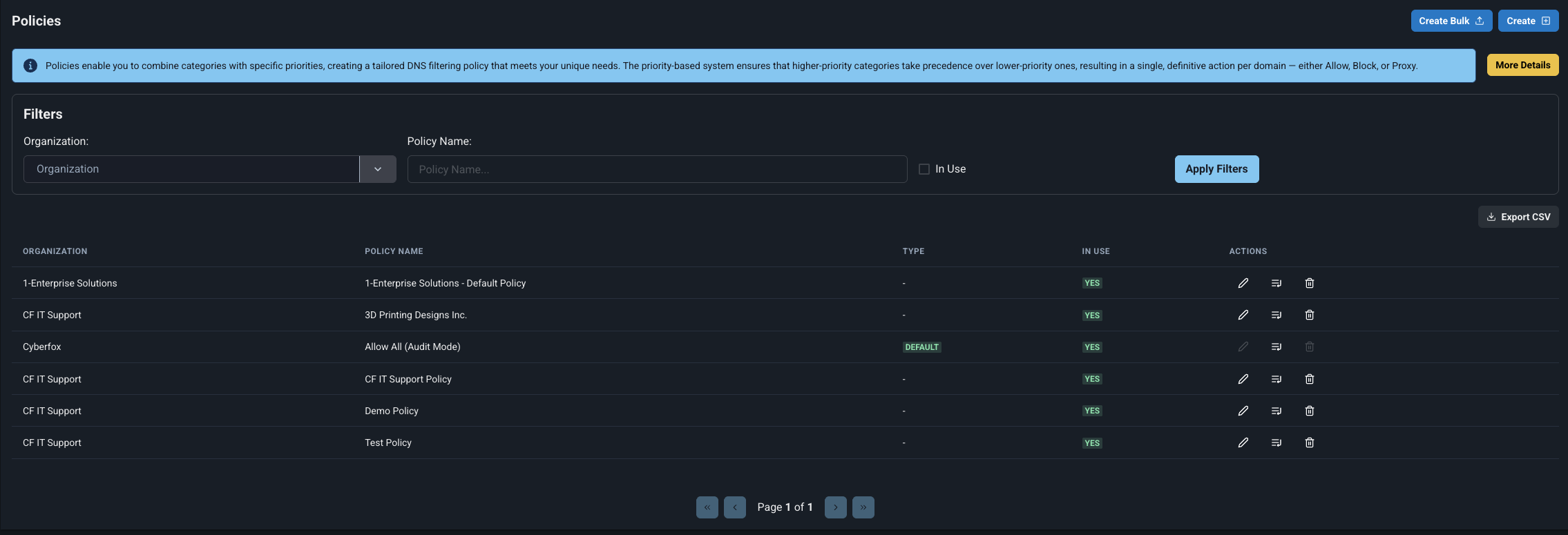
Policy Builder See how quickly you can create a policy that blocks threats and controls web access.

Policy Builder

Set up DNS filtering policies in minutes

See how to block malicious domains, phishing sites, and unwanted web content with policies tailored to your users or clients.
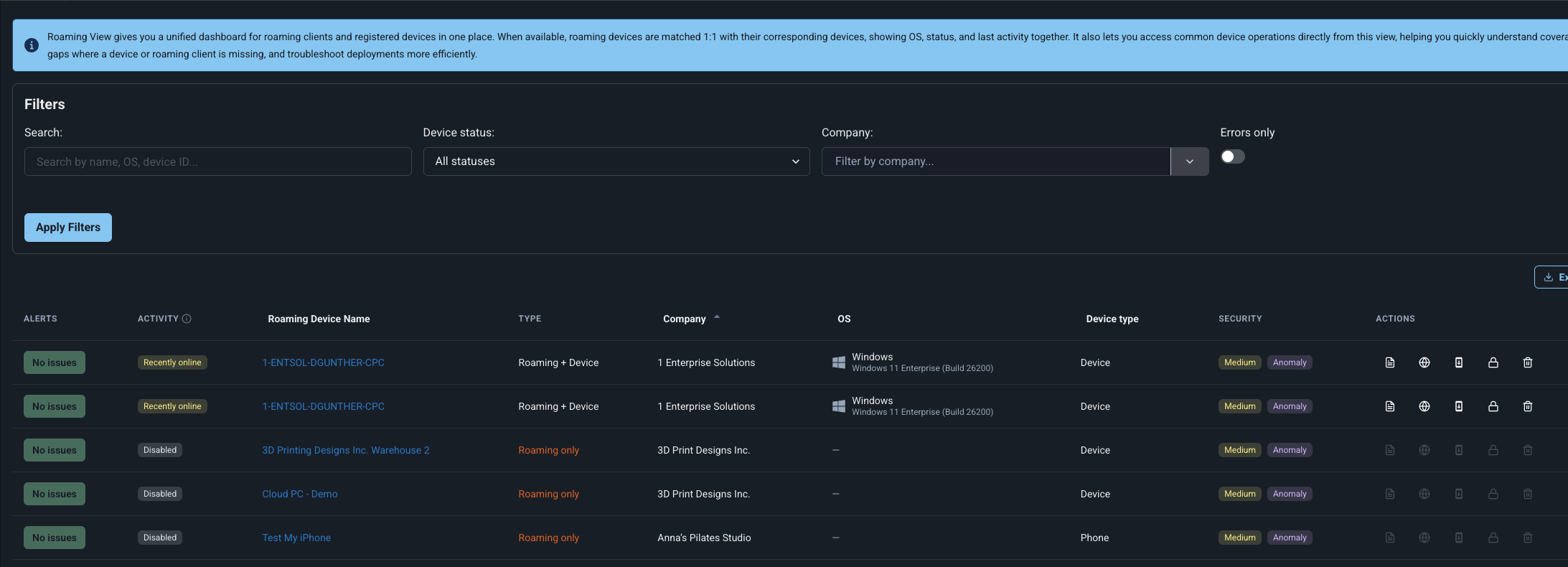
dns-roaming

Roaming Client

Protect remote users with DNS security

See how DNS filtering follows laptops beyond the office, including home and public Wi-Fi networks.
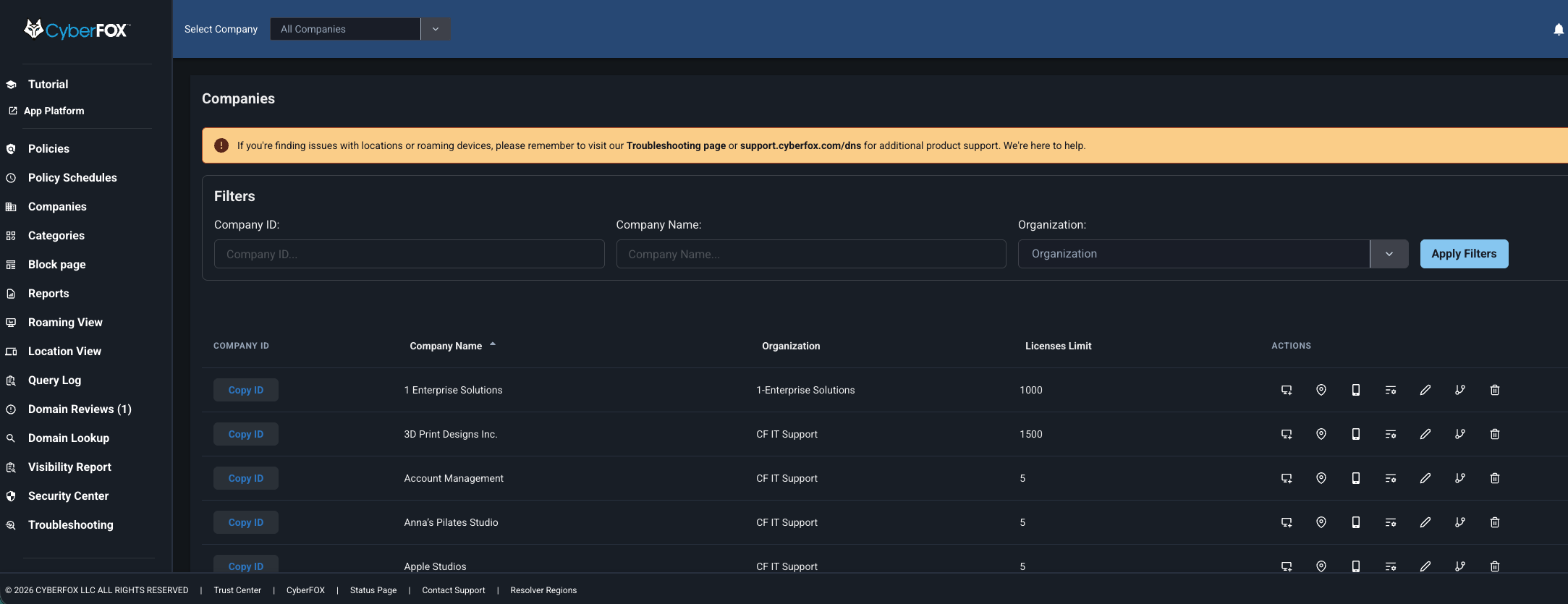
dns-multitenancy

Multitenancy & Companies

Manage DNS filtering from one console

Keep client environments separate while managing their policies and DNS activity in one place.
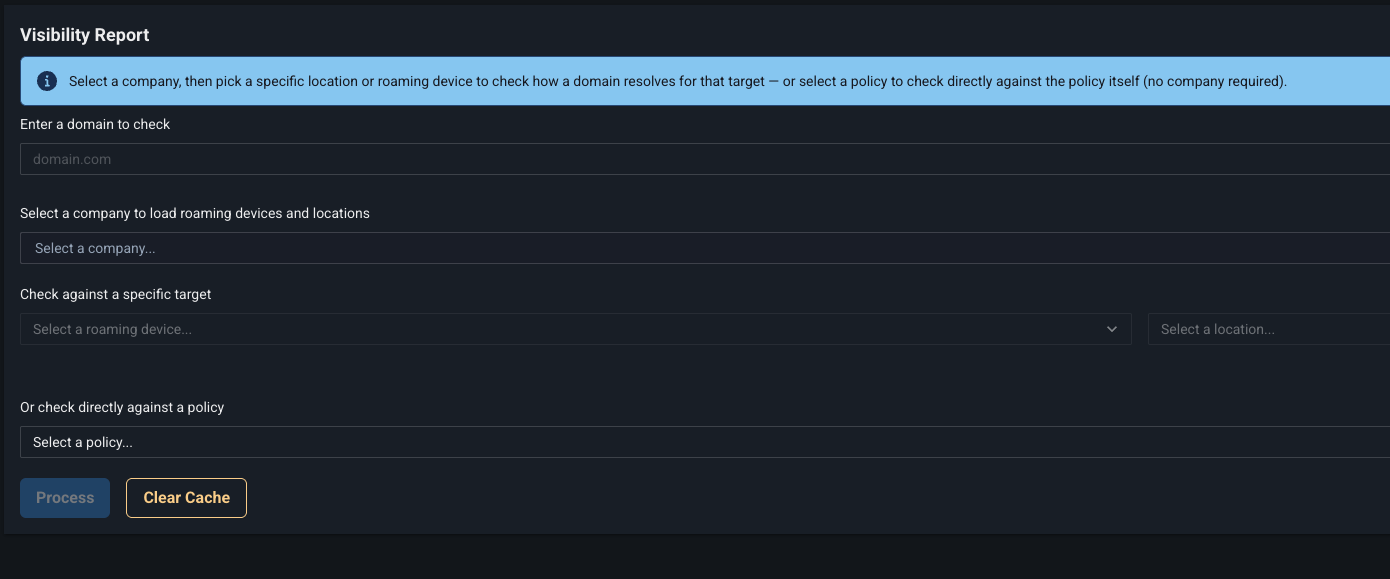
dns-visibility

Visibility Report

See what your DNS protection is blocking

Review allowed and blocked traffic in reports you can use for security reviews and client conversations.


Supporting IT teams globally